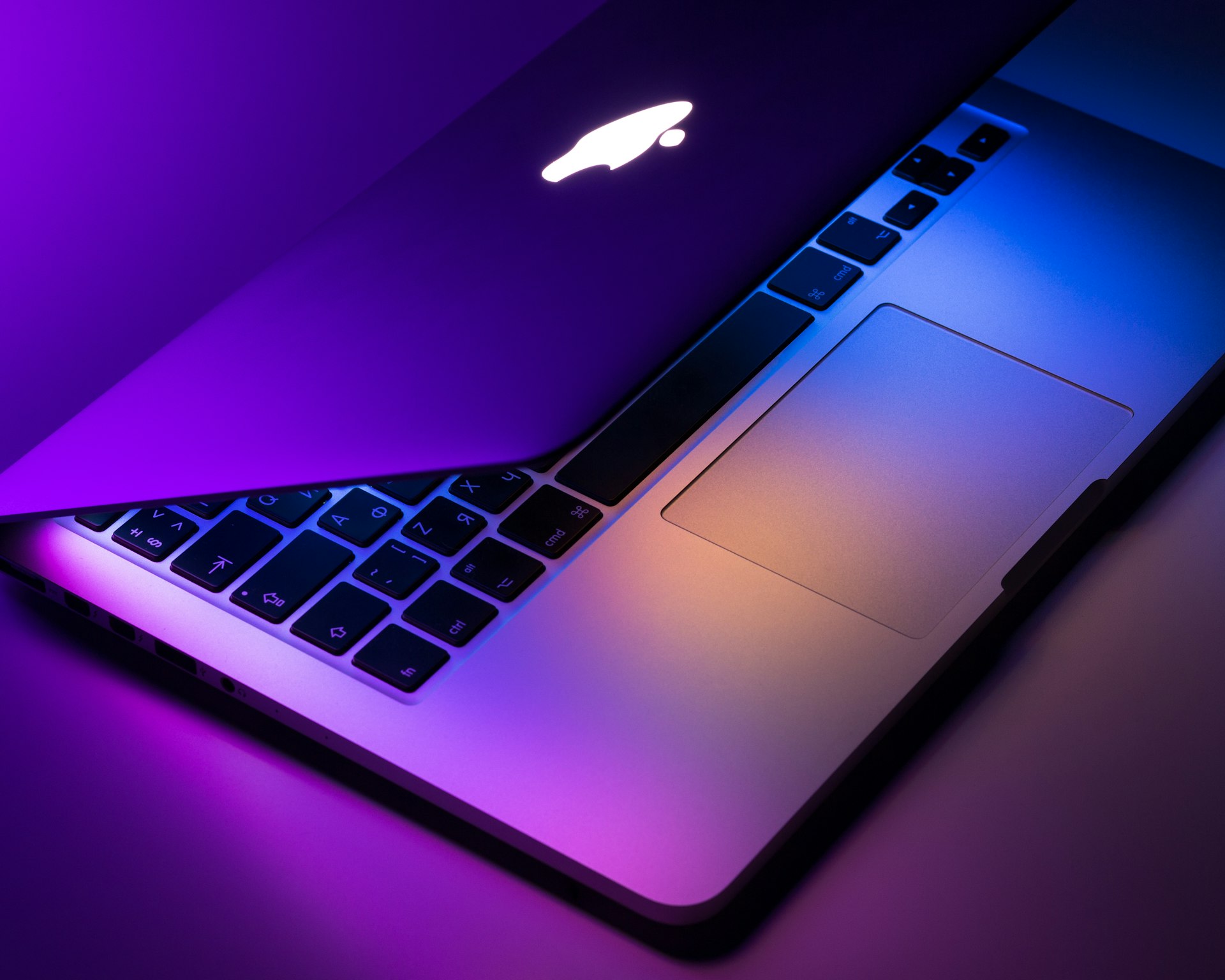
Buying a Mac in 2026, the expensive mistake is treating the M-number as the only axis—while ignoring form factor, unified memory, media engines, and whether you truly need Pro, Max, or Ultra. Upgrade value follows workload dimensions, not the generation label alone. This guide lines up MacBook Air, MacBook Pro 14/16, Mac mini, Mac Studio, and Mac Pro from M1 holdouts through M6 rollouts—and when to rent a cloud Mac before you finance hardware.
Why workload axes come first
Apple Silicon fuses CPU, GPU, Neural Engine, and unified memory on one die—so a new M badge does not automatically mean “twice as fast compile.” In retail as of November 2026, M4 MacBook Air and M4 Pro 14 remain volume SKUs; M5 appears on select MacBook Pro and Mac mini configs with higher memory bandwidth; M6 follows the summer 2026 announcement wave, centered on Mac mini and refreshed Pro silicon (OLED MacBook or “MacBook Ultra” dates below are rumors until Apple Newsroom confirms).
If you still run M1 with 8GB, the wall is almost always RAM and disk, not CPU clocks. If you run M2 Max 32GB for color grading, the limit may be GPU and chassis thermals—moving to a Studio Ultra then beats jumping M2→M3 base. Single-core Geekbench scores are fine for social posts; they are poor proxies for total cost of ownership.
Compare total cost, not list price: Apple’s “from” price often means 16GB/256GB, while credible AI dev, multi-target Xcode, and Docker stacks start at 24–32GB unified memory. Education and refurb discounts help, but RAM and SSD are fixed at purchase—unlike many PCs. When you compare chips, include the upgrade delta in TCO, not just the generation number.
Apple Intelligence and local agents (Ollama, resident Core ML graphs) consume unified memory alongside Xcode and browser tabs. New macOS features assume Apple Silicon with headroom—another reason 16GB Air configs feel fine in the store but swap under real agent loops. Cloud inference can live elsewhere; iOS signing and Archive still run on your Mac.
Spike workloads—a three-month contract, an M6 trial, a Black Friday bake-off—fit remote Mac rental first: match the tier to the unified memory you plan to buy, run the same Archive and ollama run, export Activity Monitor Memory Pressure, then choose M4 24GB versus waiting for M5 Pro. See also Best Mac for AI coding in 2026 and the Apple Mac 2026–2027 product roadmap.
What the 2026 lineup actually sells
Do not imagine the Mac line as a straight price ladder from Air to Mac Pro. Air solves fanless portability; Pro 14/16 solves sustained performance and displays; mini is desktop value and CI nodes; Studio puts Max/Ultra in a desktop thermal envelope; Mac Pro still serves PCIe expansion and broadcast IO, though Studio has absorbed much of the “pro workstation” role in the Apple Silicon era.
Retail reality in 2026 is overlapping generations: M3 Air closeouts, M2 Ultra Studio inventory, M2 Ultra Mac Pro, stacked against M4/M5/M6 SKUs. When you compare prices, confirm chip generation and configurable RAM ceilings—not just chassis age.
| Model | Form | Chip | Memory | Best for |
|---|---|---|---|---|
| MacBook Air 13/15 | Ultraportable | M4 / M3 closeout | 16–24GB | Office, coursework, light Xcode |
| MacBook Pro 14/16 | Performance notebook | M4 Pro/Max · M5 · M6 Pro | 24–128GB | Heavy Xcode, multi-display, field edit |
| Mac mini | Compact desktop | M4 · M5 · M6 | 16–64GB | CI nodes, home lab, RAM guide |
| Mac Studio | Desktop workstation | M4 Max · M3 Ultra inventory | 32–192GB | Long renders, audio, resident ML |
| Mac Pro | Tower / rack | M2 Ultra inventory · PCIe | 64GB+ | PCIe cards, broadcast IO (roadmap for refreshes) |
M1–M6: beyond single-score benchmarks
Each M generation typically adds efficiency cores, memory bandwidth, media engines, and Neural Engine throughput—not a linear speedup for every app. M1/M2 holdouts on 8GB should treat upgrades as “more RAM + bigger SSD”; jumping to M4 24GB often beats stepping M2→M3. M3 configs with 18GB/36GB suit mid-tier video; if ProRes export is the wall, same-generation Max or Studio beats waiting for a base chip next year.
M4 is the default answer for most buyers in 2026: retail configs from 16GB to 48GB with enough bandwidth for daily dev and 4K edit. M5 rolls through Pro and high-end mini with Neural and media gains—if you mostly call cloud APIs, do not pay a premium for the badge alone. M6 centers on Mac mini and select Pros (unannounced SKUs are not release dates); track the roadmap if NPU-side inference is your confirmed bottleneck, otherwise ignore FOMO.
| Generation | Typical config | Common bottleneck | Upgrade lever | Best for |
|---|---|---|---|---|
| M1 / M2 holdout | 8–24GB | swap, display, SSD | Jump to M4 24GB+ | Light office; extend warranty |
| M3 generation | 18–36GB common | GPU export | Same-gen Max or Studio | Mid-tier video |
| M4 volume | 16–48GB retail | Bandwidth usually OK | Add RAM, not wait for M5 | 2026 default pick |
| M5 tranche | Pro / mini high | Neural + media engines | Wait for deals or rent | Hybrid AI inference |
| M6 rollout | mini · some Pro | Efficiency + NPU (rumor SKUs) | Do not upgrade for labels | Teams with NPU-bound loads |
Pro, Max, Ultra are not linear upsells
Within one generation, Apple slices Pro, Max, and Ultra: Pro adds performance cores and mid GPU scale; Max pushes GPU and memory bandwidth; Ultra is essentially dual-Max silicon with higher unified memory ceilings. Buying Ultra for spreadsheets and Slack pays for sustained GPU and 64GB+ residency you never use.
The dev sweet spot is often M4 Pro 14 with 32GB—enough for Xcode, simulators, Docker, and moderate Core ML. 4K/8K multi-stream timelines want Max; audio, 3D, and long batch renders push Studio Ultra or Mac Pro IO. Notebook Max thermals throttle sooner than Studio desktops—pick form factor and tier together.
| Tier | CPU/GPU role | Typical RAM ceiling | Typical workloads | When to skip |
|---|---|---|---|---|
| Base (M4, etc.) | Daily cores · entry GPU | 16–24GB (Air) | Office, light code, web | Heavy Archive + many simulators |
| Pro | More perf cores · mid GPU | 24–48GB | Daily Xcode, backend, light video | 8K multi-stream export all day |
| Max | Large GPU · high bandwidth | 36–128GB | 4K/8K edit, large Core ML graphs | Docs and meetings only |
| Ultra | Dual die · top bandwidth | 64–192GB | Multi-stream render, resident ML | Cloud-API-first workflows |
Pick by scenario: dev, AI, video, desk
The scenario matrix eliminates impossible picks first: 128GB unified memory will not start on Air; fanless silence conflicts with all-day transcode jobs; PCIe capture cards will not land on a Mac mini. Use the table as a starting point—your 90-day real loads still need Activity Monitor proof.
| If you are | Pick | Skip |
|---|---|---|
| iOS indie dev, daily Archive | Pro 14 · M4/M5 · 32GB | Air 16GB with chronic swap |
| Local LLM + Claude Code | mini/studio · 32–64GB · see AI Mac guide | Cloud APIs only but buying Ultra |
| 4K multi-track edit | Pro Max or Studio Max | Fanless Air |
| 90-day contract or M6 trial | Remote Mac rental | Impulse buy then idle hardware |
| Waiting for OLED / Ultra form | Read the roadmap; keep current machine | Treating rumors as ship dates |
Recommended stacks and RAM floors
Students / light office: M4 Air 16GB works; for Xcode coursework, jump to 24GB. Plan 512GB SSD minimum—256GB fills fast with Xcode and OS updates.
Full-time iOS / full stack: MacBook Pro 14 M4 Pro 32GB + 1TB, or a desktop Mac mini M4 32GB as CI plus a 24GB notebook for travel. Standardizing on Apple Silicon reduces weird Intel-only toolchain bugs.
AI hybrid loads: Mac mini or Studio at 32–64GB for Ollama and Docker—see the M6 Mac mini RAM guide. When cloud Claude/GPT still needs local Xcode, leave 8GB+ headroom for agents.
Video / 3D: Pro Max or Studio Max from 64GB; reserve Ultra for multi-cam ProRes and long Fusion timelines. Delivery and rental terms live on the pricing page and help center.
Five expensive misconceptions
- Только цифра M. M6 с 16GB может быть хуже M4 Pro 32GB под реальным Xcode.
- Игнор термик. Air без вентилятора троттлит длинные сборки; mini держит boost дольше.
- SSD 256GB с Xcode и моделями. DerivedData и веса заполняют системный том—уборка не заменит диск.
- Ultra для таблиц. Ultra нужен для GPU и огромной unified memory—not для Safari.
- Без пробы. Арендуйте облачный Mac на неделю на том же репо.
Seven steps from audit to buy or rent
Each step should produce observable evidence; do not advance without data from the prior one.
- List loads. Weight the next 90 days: Archive frequency, Docker containers, local LLM size, 4K timelines, external displays, and battery needs.
- Measure memory. Use Activity Monitor for peak RAM and swap; daily swap means prioritize RAM tier over waiting for the next chip.
- Filter form factors. Drop impossible picks: 128GB will not start on Air; PCIe cards will not fit mini; mobile editors should not default to tower Mac Pro.
- Compare tiers. Within one generation, weigh Pro/Max/Ultra GPU cores and bandwidth against export or training logs.
- Lock configs. Fix RAM and SSD at purchase—Apple will not upgrade them later.
- Stress-test. On a cloud Mac or store demo, run the same Archive plus
ollama runand save Memory Pressure screenshots. - Write stop rules. Document “do not upgrade” conditions (e.g., M2 32GB with zero swap and no new macOS needs) to avoid OLED rumor FOMO.
FAQ
M6 всегда стоит ждать вместо M4?
Не всегда. Узкое место 16GB — часто M4 24GB сегодня; M6 — GPU/Neural Engine и новые SKU (слухи отдельно).
MacBook Air для Xcode и Apple Intelligence?
Лёгкий SwiftUI — да; тяжёлый Archive и симуляторы — Pro 14 с 32GB+.
Pro, Max или Ultra?
Pro — sweet spot для разработки; Max — ProRes и большие Core ML; Ultra — 64GB+ и мультипоток рендера.
Апгрейд M1 в 2026?
Частый swap или нужны новые macOS и on-device AI — M4/M5; только web/Office — продлить гарантию.
Cloud Mac vs б/у Intel?
Intel вне основной линии Apple Silicon. Аренда для проверки; ежедневные сборки — своя M-серия.
Запишите три метрики до покупки — пик RAM, время экспорта и шум под длинной нагрузкой — и сравните их на cloud Mac с целевой конфигурацией. Повторите замер дважды.
Итог
Decide with form factor, unified memory, silicon tier, and a 90-day workload journal—not the M digit alone. M4 remains the sweet spot for most; M5/M6 suit teams with confirmed bandwidth or Neural Engine walls. Stress-test on a cloud Mac before you chase headlines.
Mac rental · Pricing · Help · M6 Mac mini RAM guide
Читать дальше
- Mac для программирования с ИИ 2026 →
- Дорожная карта Apple Mac 2026–2027 →
- Выбор памяти M6 Mac mini →
Временная нагрузка или проба M-series перед покупкой? Арендуйте удалённый Mac
Archive, Ollama и Xcode CI неделю без новой покупки. Cloud Mac с целевой памятью — смотрите swap и термики, затем M4 24GB или ожидание M5 Pro.